
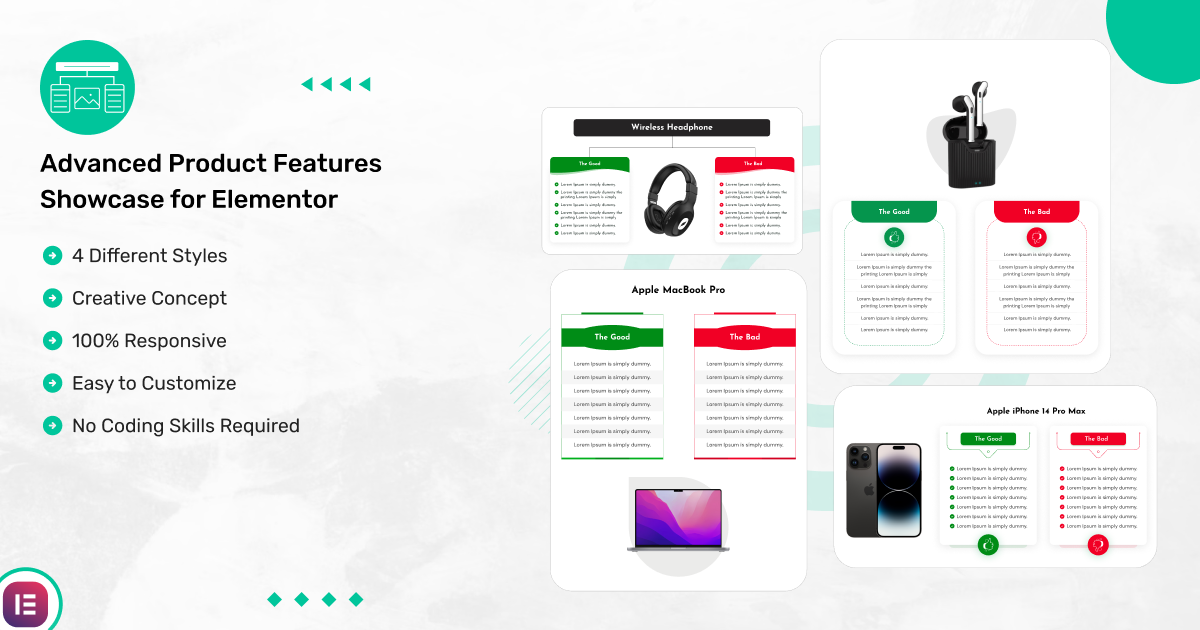
Present Product Features and Highlights in Captivating Layouts
Standard product text blocks often fail to capture visitor interest or clearly explain the unique selling points of your inventory. Advanced Product Features Showcase for Elementor delivers a powerful, visual solution to emphasize product specifications, service advantages, and technical highlights. Designed for WooCommerce shop owners, affiliate marketers, agency portfolios, and SaaS landing pages, this premium Elementor widget turns simple feature lists into high-converting visual showcases.
The plugin offers multiple sophisticated display patterns, allowing you to showcase features with custom icons, hot-spots, image callouts, and structured grid columns. Through Elementor’s visual drag-and-drop editor, you can adjust iconography, typography, button links, and spacing with instant backend previews. It pairs seamlessly with complementary sales tools like WooListing – WooCommerce Product Listing for Elementor and data display widgets like Advanced Comparison Table for Elementor, expanding your page-building potential.
Developed by CoderKart for high site performance and flexible design, this responsive Elementor product feature plugin requires no coding skills. Every showcase template adapts fluidly across mobile devices, tablets, and desktop screens to keep your visitors engaged.
Highlight Product Specs & Benefits Effortlessly
Explore 6 core features designed to showcase your product features and drive user engagement.
Feature Display Patterns
Choose from multiple layout styles designed to highlight key product specs, capabilities, and benefits clearly.
WooCommerce & Affiliate Friendly
Tailored to display eCommerce items, affiliate highlights, agency services, and digital products.
Custom Icon & Media Support
Integrate icons, vector graphics, badges, and image callouts to highlight unique product features.
Visual Drag-and-Drop Editing
Add, arrange, and style feature points directly inside Elementor’s drag-and-drop editor with ease.
100% Fluid Mobile Responsive
Delivers fully responsive feature layouts that automatically re-align column counts and graphic assets for mobile screens.
Code-Free Store Customization
Customize typography, colors, padding, hover animations, and buttons without writing a single line of CSS.
Upgrade Your Product Showcases Today
No technical skills needed present key product features and benefits directly inside Elementor.
Screenshots Gallery
Take a visual preview of feature layout presets, icon settings, and responsive frontend displays.


Ready to Elevate Your Store Presentation?
Installation Process
Get Advanced Product Features Showcase installed and active on your WordPress site in 4 simple steps.
01
Verify Dependencies
Ensure the Elementor Page Builder plugin is active on your WordPress site.
02
Download Package
Purchase and download the Advanced Product Features Showcase .zip from CoderKart.
03
Upload Plugin
Go to Plugins → Add New → Upload Plugin and select the downloaded file.
04
Activate & Design
Activate the plugin, enter your license key, and add the feature showcase widget to your store.
Frequently Asked Questions
Find quick answers to common questions about Advanced Product Features Showcase by CoderKart.
Can Advanced Product Features Showcase be used with any theme?
Yes, this plugin works seamlessly with any Elementor-compatible WordPress theme.
Will this plugin work with other page builders?
No, it is built specifically as an Elementor addon and requires the Elementor Page Builder.
Is Advanced Product Features Showcase a premium plugin?
Yes, this is a premium plugin developed by CoderKart, offering specialized display patterns, icon features, and dedicated customer support.
Can affiliate marketers use this plugin?
Yes, it is ideal for affiliate product reviews and feature breakdowns where highlighting specific product benefits is essential.
Does CoderKart provide customer support?
Yes, you can contact us at support@coderkart.com for setup assistance, feature inquiries, or pre-sales questions.
How can I display product catalogs or subscription prices on my site?
To display product catalogs, explore Advanced Product Catalog for WooCommerce, and for pricing tables, check out Essential Pricing Plan Switcher for Elementor.
Other Features
Discover additional technical standards engineered by CoderKart for speed and styling flexibility.
Lightweight & Performance Optimize
Built using clean coding standards to ensure rapid asset execution without slowing down your site load times.
Hover & Animation Controls
Engage visitors with smooth visual transitions, icon hover effects, and shadow elevation controls.
Cross-Browser Compatibility
Rigorously tested across Chrome, Firefox, Safari, and Edge for consistent cross-platform display.
Column & Spacing Adjustments
Fine-tune grid columns, margins, padding, and alignments easily via Elementor’s layout settings.
Conversion-Focused Action Buttons
Add custom call-to-action buttons beneath feature lists to direct users directly to buy or learn more.
Dedicated Support by CoderKart
Backed by CoderKart’s active support team to help you troubleshoot setup and customization needs
Need help installing this plugin?
I’m here to help you get everything running smoothly and exactly the way you want.
Explore Other Plugins by CoderKart
Discover our complete collection of Elementor widgets, WooCommerce tools, and display solutions.
What is Advanced Product Features Showcase for Elementor?
Advanced Product Features Showcase for Elementor enables WordPress users to depict product features through unique captivating displays. Whether you’re showcasing products for eCommerce stores, personal portfolios, services, or blogs, this plugin provides a WooCommerce product display plugin that enhances your website’s presentation.
The plugin provides multiple sophisticated product display patterns which allow users to emphasize their product offerings in distinct ways. The plugin serves affiliates effectively for showing their products and delivers universal application across different business sectors.
The customer-friendly plugin provides flexible options for drag and drop widgets while enabling users to personalize their content easily. The 100% responsive design ensures that your product showcase looks stunning on desktops, tablets, and mobile devices.
If you’re looking for a professional way to display product features, this WordPress product showcase plugin download is all you need. Plus, the Elementor template compatibility ensures seamless integration with your website.
Quality Products
We are building quality products with the use of our years of work knowledge.
Secure Payments
You can pay through popular payment methods such as Paypal and CCAvenue.
100% Satisfaction
If you are not satisfied with our product, we will return your money.
24/7 Customer Care
Our customer care team is always ready there to help you out.
Key Features
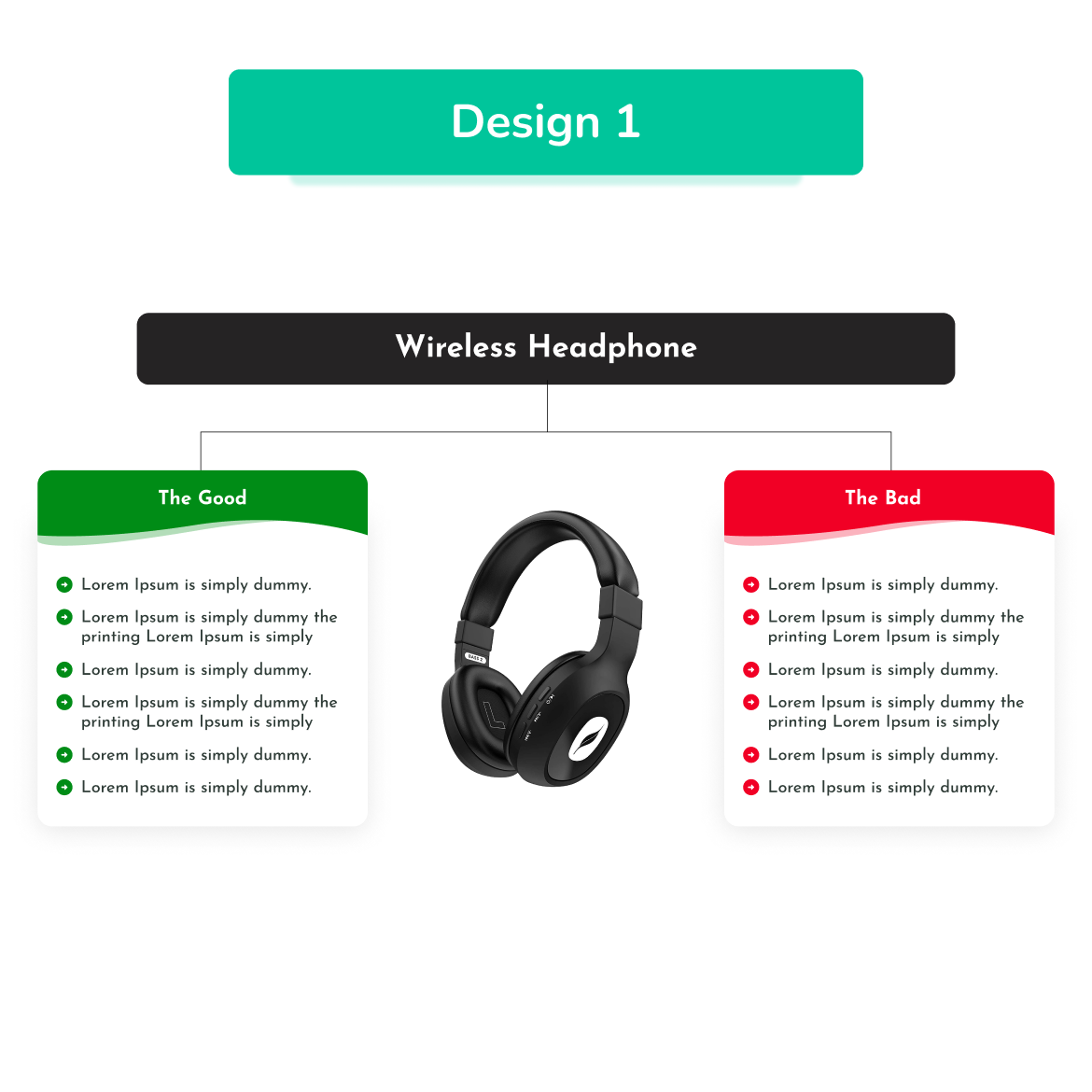
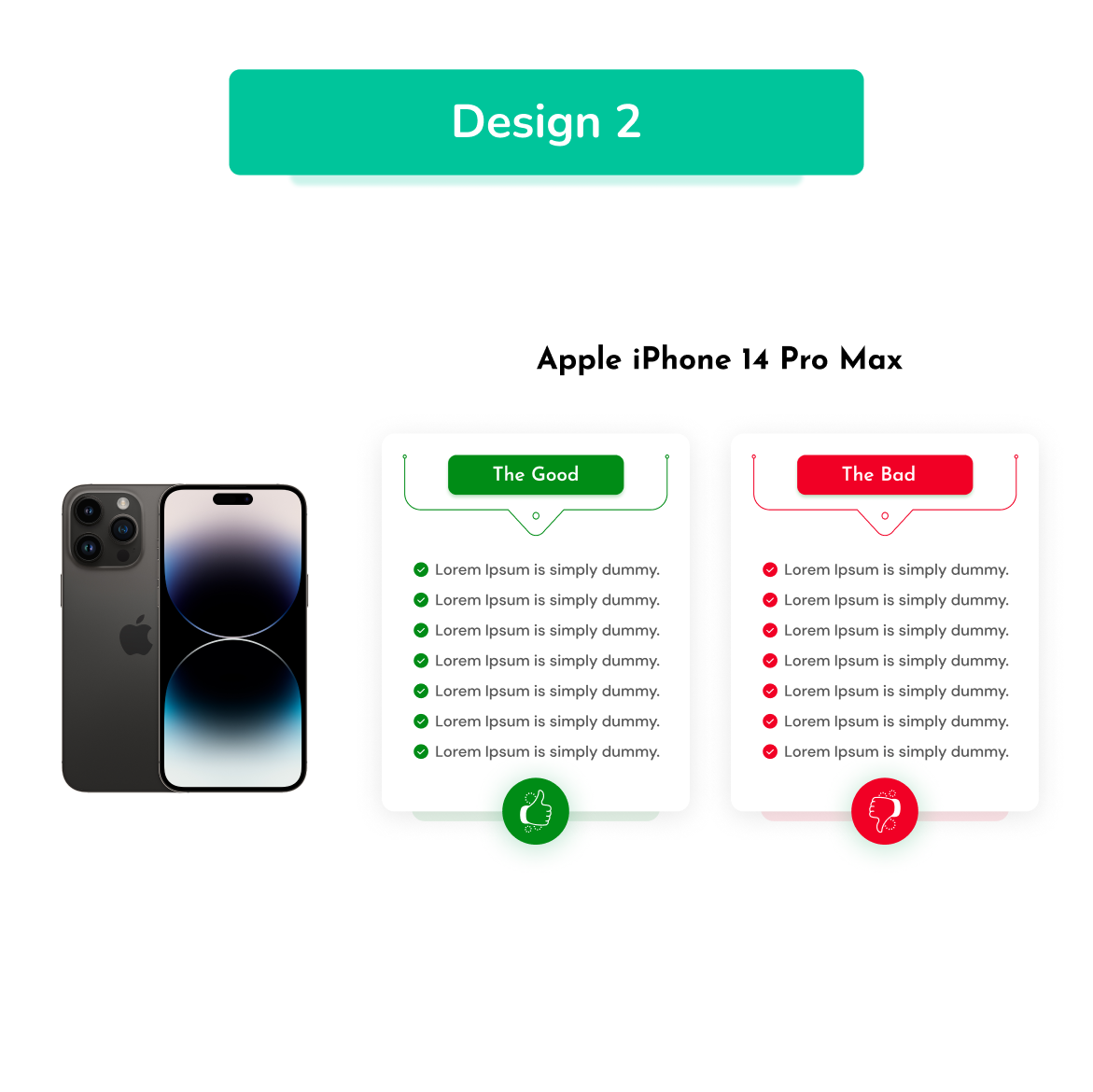
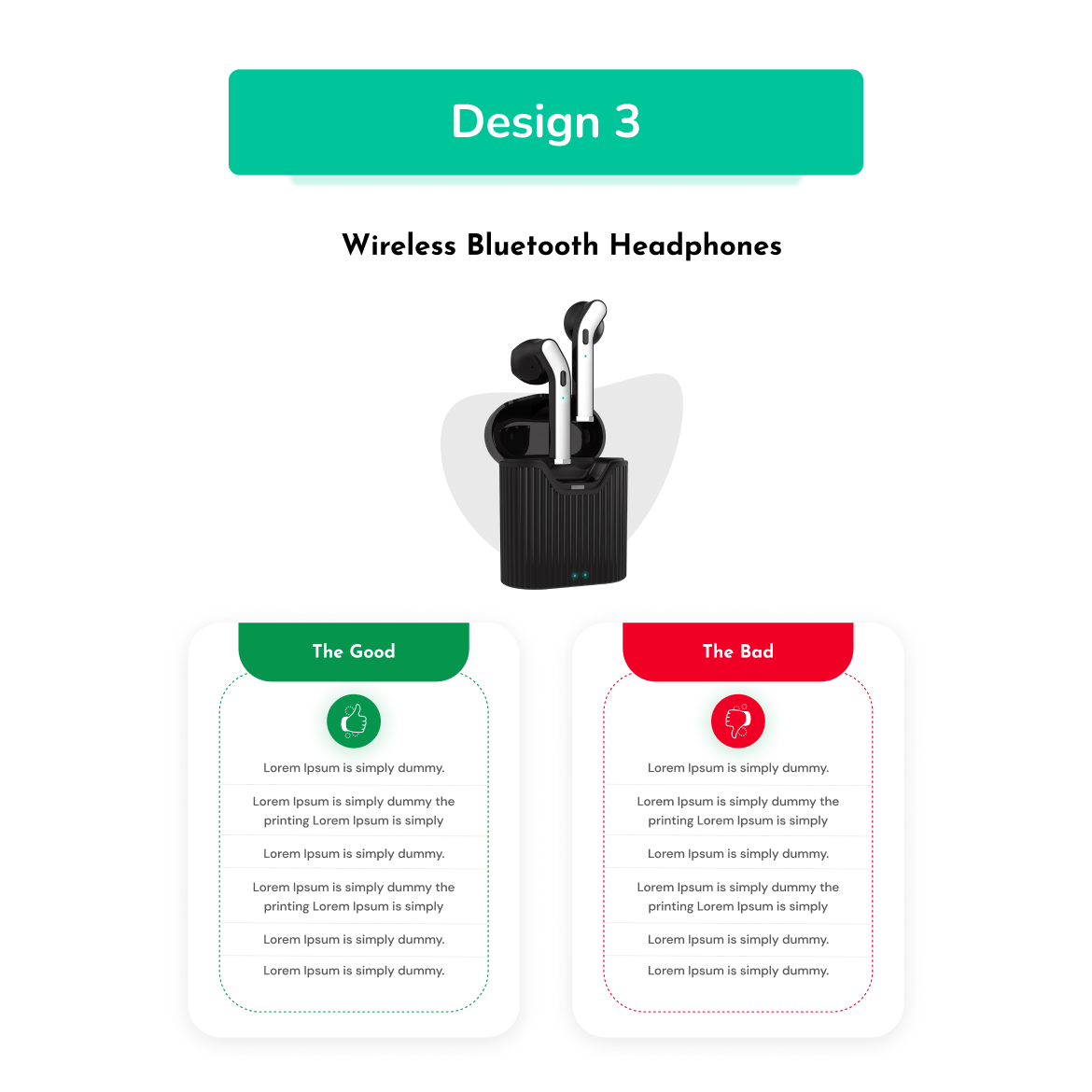
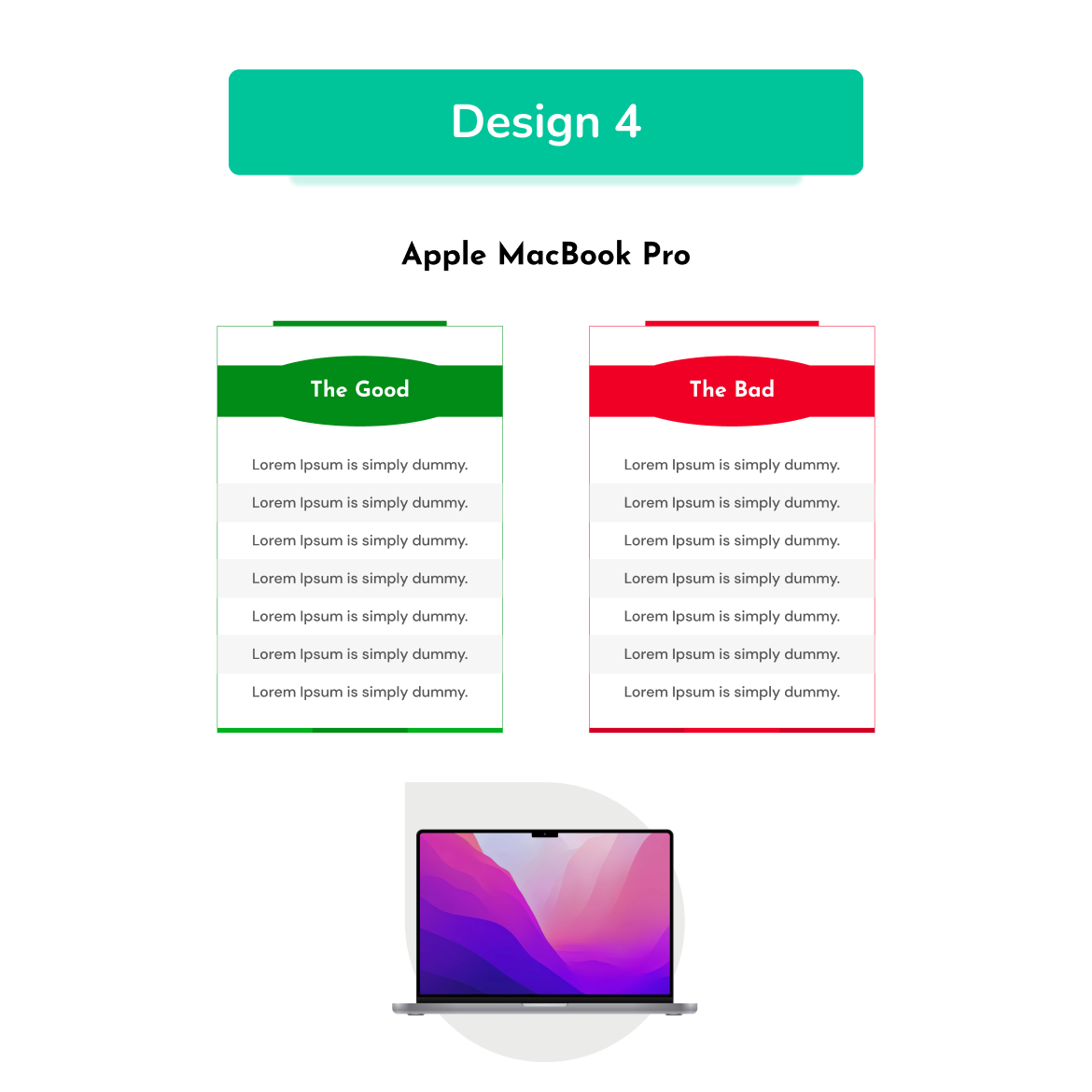
- 4 Types of Design
- Column support for Desktop, iPad/Tablet, Mobile
- Options: Title, Good and Bag Features, etc.
- Button Hover Effect
- Customize Color of all the contents
- Works with all WordPress themes
- SEO Friendly
- Translation Ready (.pot file included)
- Lightweight
- Working fine with Browser Compatibility
- 100% Responsive Design
- Easy to Customize
- Dedicated Support
Screenshots Inserted
Many Reason to Choose us
We’ve many reasons to choose us. Here, list out some new key features of our plugin.
Clean & Easy to Use Code
Clean, well-commented, and structured code ways that help you to start your project soon.
Customer Satisfaction
We have been giving tens of thousands of websites. Our main aim is customer fulfillment.
Premium Versions
We have not freemium Verion. We provide only Premium Version.
Online Documentation
Plus, documentation is ready to learn the plugin flow, features, and as well as choices.
Free Updates
For all our premium products, we're giving you free update choices. It is helpful for your store.
Premium Support!
If you have some queries? We are always ready to solve your problems.
FAQs
Frequently Asked Questions for Advanced Product Features Showcase for Elementor

Yes, this plugin can be used with Elementor compatible WordPress theme.
No. It is an Elementor plugin, and it will work with Elementor only.
Yes, you can write us on support@coderkart.com for customer support, pre-sales queries, etc.

