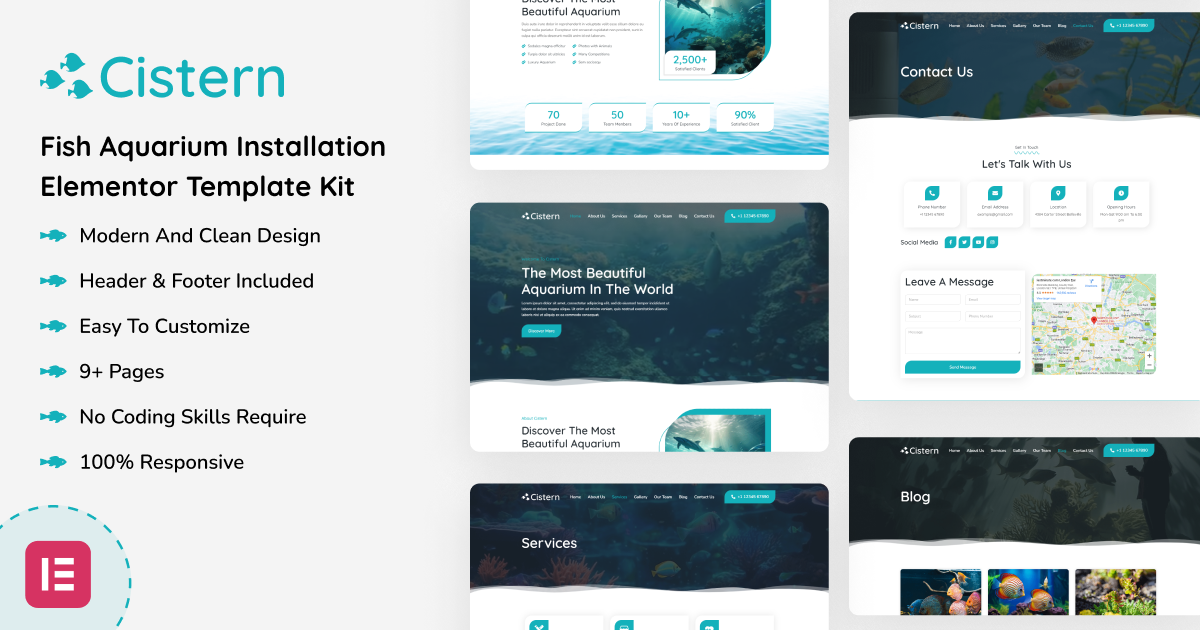

Cistern - Fish Aquarium Installation Elementor Template Kit
Cistern – Fish Aquarium Installation Elementor Template Kit is a great design for the aquarium company. It features a captivating homepage design along with an impressive selection of over nine inner templates, encompassing blog archives and individual blog pages. Whether you’re running an agency or a company, this Elementor Kit is prepped and primed for immediate use, making it an ideal choice to showcase your offerings.
Cistern is built on WordPress’s robust platform, harnessing the power of the Elementor page builder plugin. It offers user-friendly features, making website editing a breeze even for those without coding expertise. While this kit has been thoughtfully optimized for seamless compatibility with the free Welcome Elementor theme, it can also effortlessly integrate with the majority of Elementor-friendly themes.
Key Features
- A Professional Set of Templates
- No Coding Skills Required
- Header & Footer Builder Included
- A single Click Demo Import
- Interesting Classic and Clean Design
- Clear and Clean Layout
- Cross Browser Compatibility
- Viable with Most WordPress Themes
- Optimized for Search Engines
Included Templates

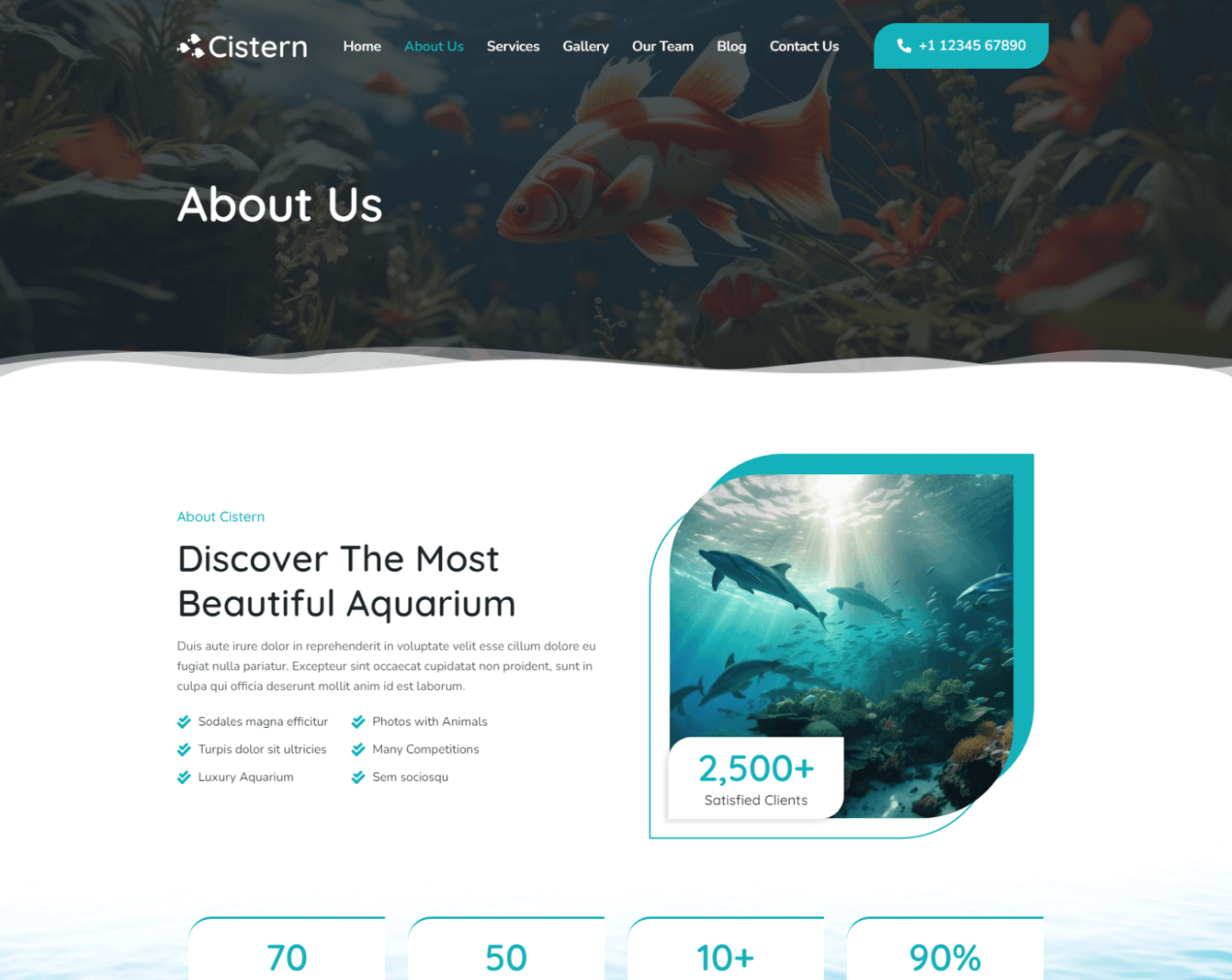
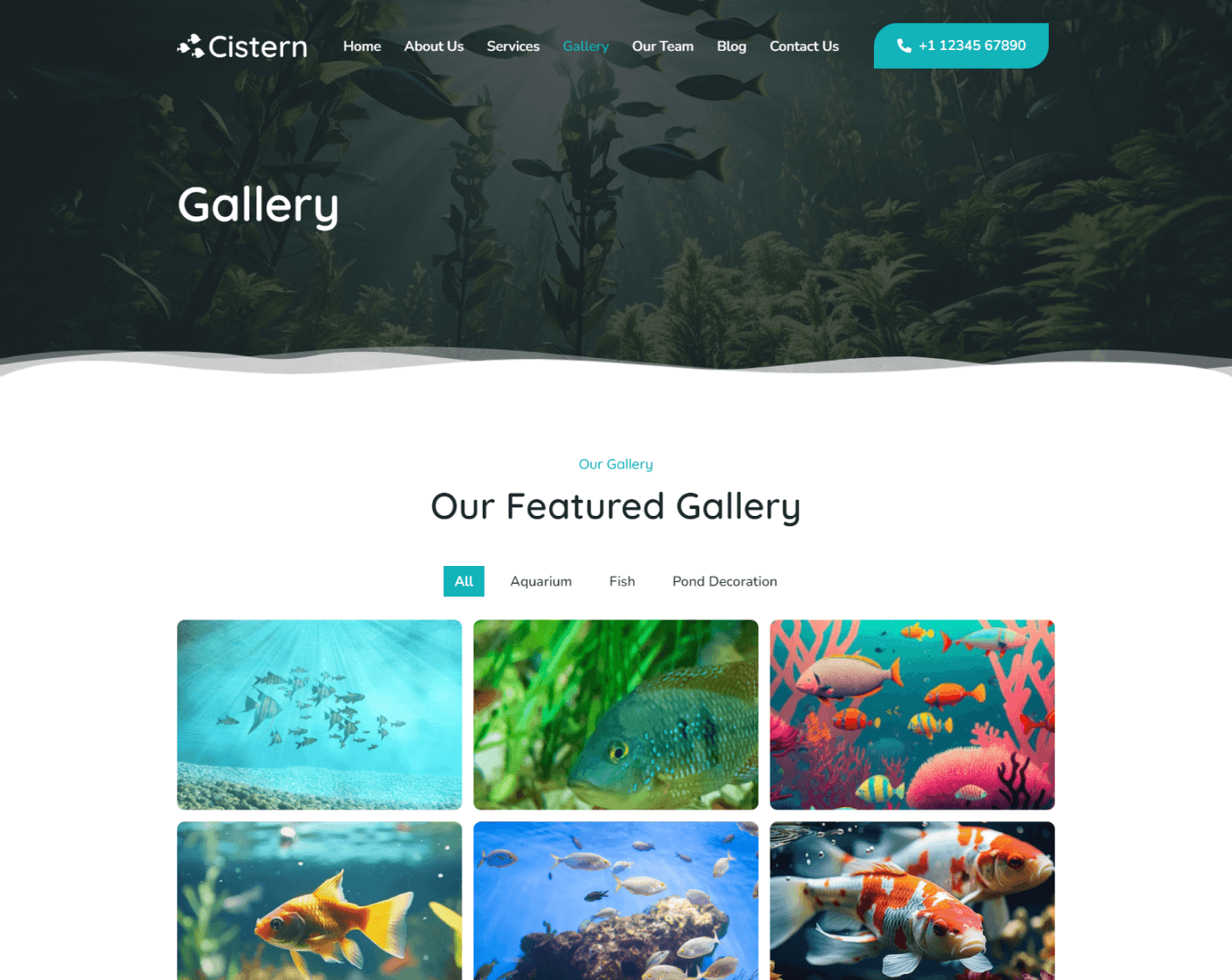
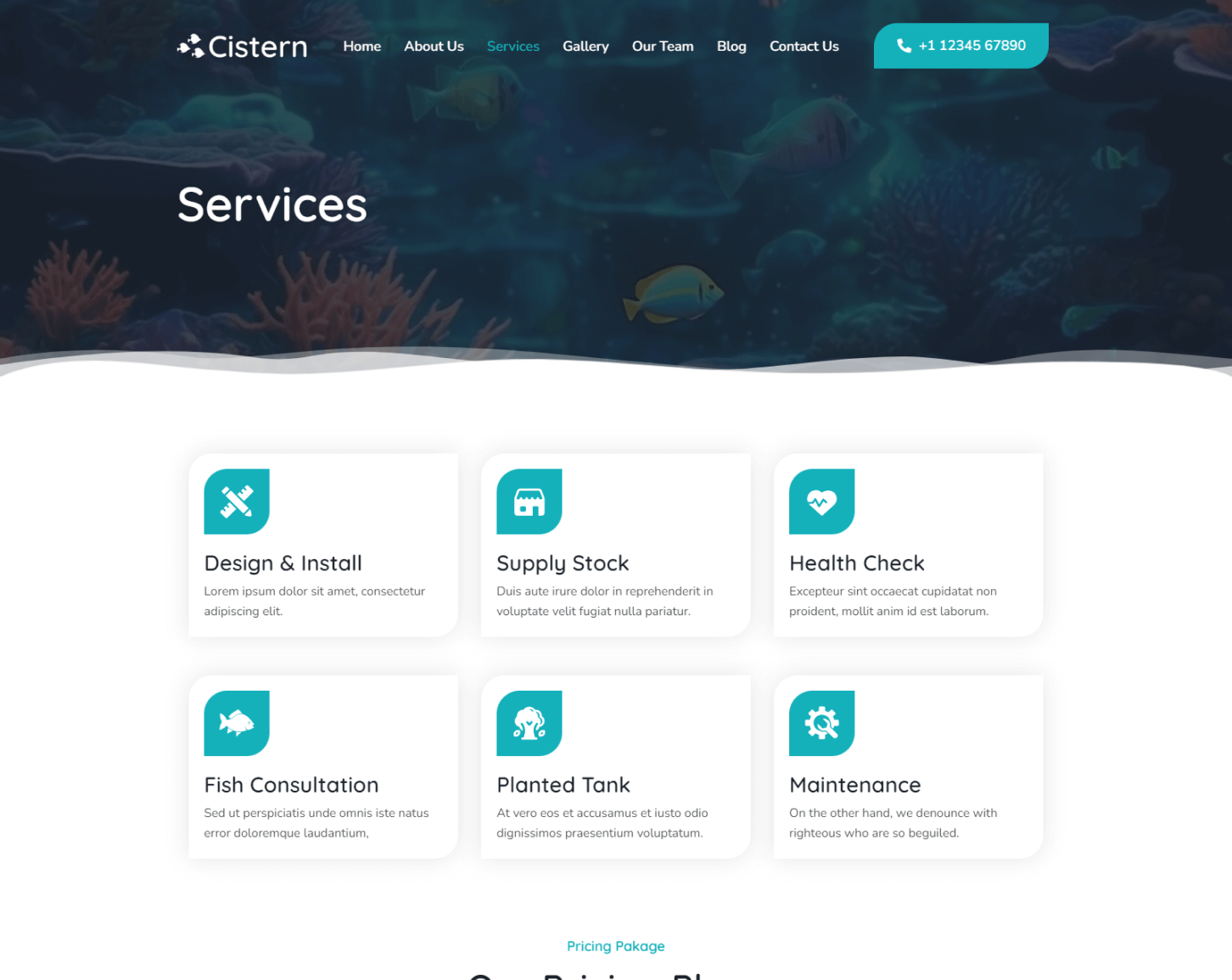

Image Licensing
All images, icons, and assets are included with the final downloadable zip file that you will receive on purchase. We highly recommend replacing it with your own assets or contents. If you choose to use our images, icons, and assets then first, please ensure they’re properly licensed.
By default, all our images are used with CC0 (Creative Commons Zero) License.
Required plugins
- Elementor (free)
- Elementor Pro (need a premium purchasable license)
Recommended Theme
- Hello Elementor (free)
- Child Theme for Hello Elementor (optional)
How to Import a Template Kit
- Download your main zip folder – unzip this primary folder and you will find folders for the following: Documentation, Media, and OneClickImport.
- For the main uploadable kit file, please go through the “OneClickImport” folder from the extracted folder – Do not unzip (the zip is titled “elementor-kit.zip“)
- Go to WordPress Dashboard – Elementor – Tools – Import / Export Kit
- Click Import a Template Kit
- Drag and drop the included site kit zip file to import
- Select the plugins you want to import (you will need an Elementor Pro license) – Click Next
- Select which parts you want to apply – for a full site import make sure everything is checked. Click Import