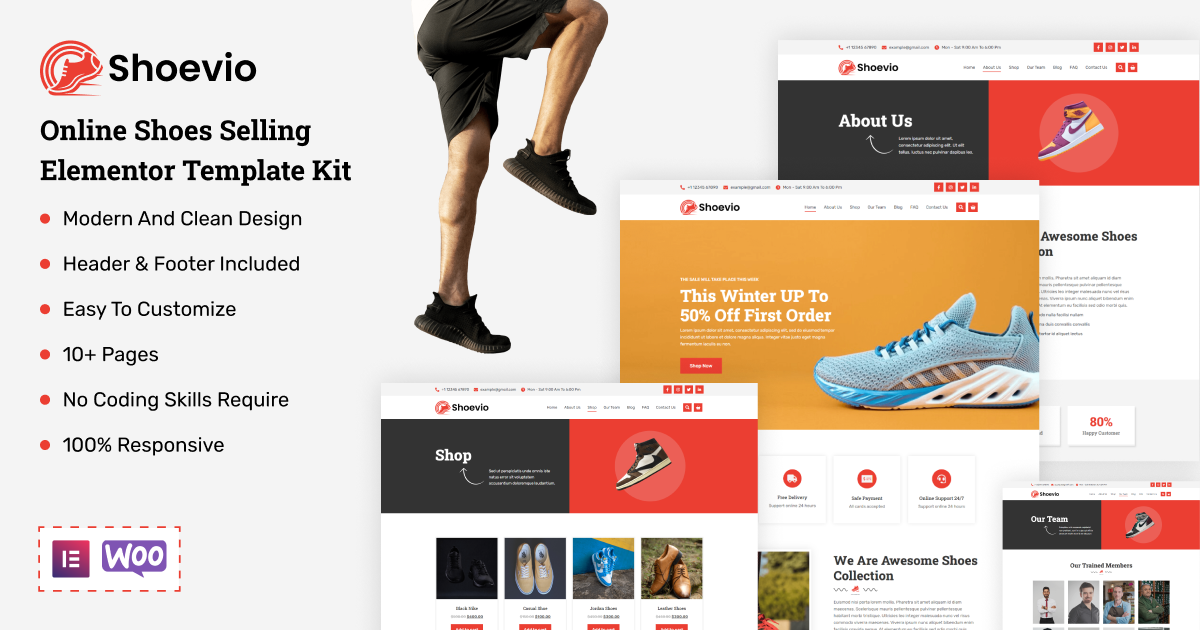

Shoevio - Online Shoes Selling Elementor Template Kit
Introducing Shoevio – Your Ultimate Online Shoe Store Elementor Template Kit! This cutting-edge Elementor Template Kit is specifically tailored for WooCommerce websites specializing in footwear, sneakers, sports gear, or any other e-commerce niche. It seamlessly integrates with the free Hello Elementor theme and is fully responsive and retina-ready, ensuring a top-notch user experience.
With Shoevio’s comprehensive template kit, you gain access to over twelve plus meticulously designed templates, simplifying the process of creating a sleek and professional online store. Effortlessly customize fonts and colors using the intuitive Elementor Theme Styles controls. Plus, easily upload your own images, logos, and content through the user-friendly drag-and-drop builder. Get your online shoe business up and running in just a few clicks with Shoevio!
Key Features
- A Professional Set of Templates
- No Coding Skills Required
- Ready-made Header and Footer
- Interesting Classic and Clean Design
- A single Click Demo Import
- Clear and Clean Layout
- Cross Browser Compatibility
- Viable with Most WordPress Themes
- Optimized for Search Engines
Included Templates
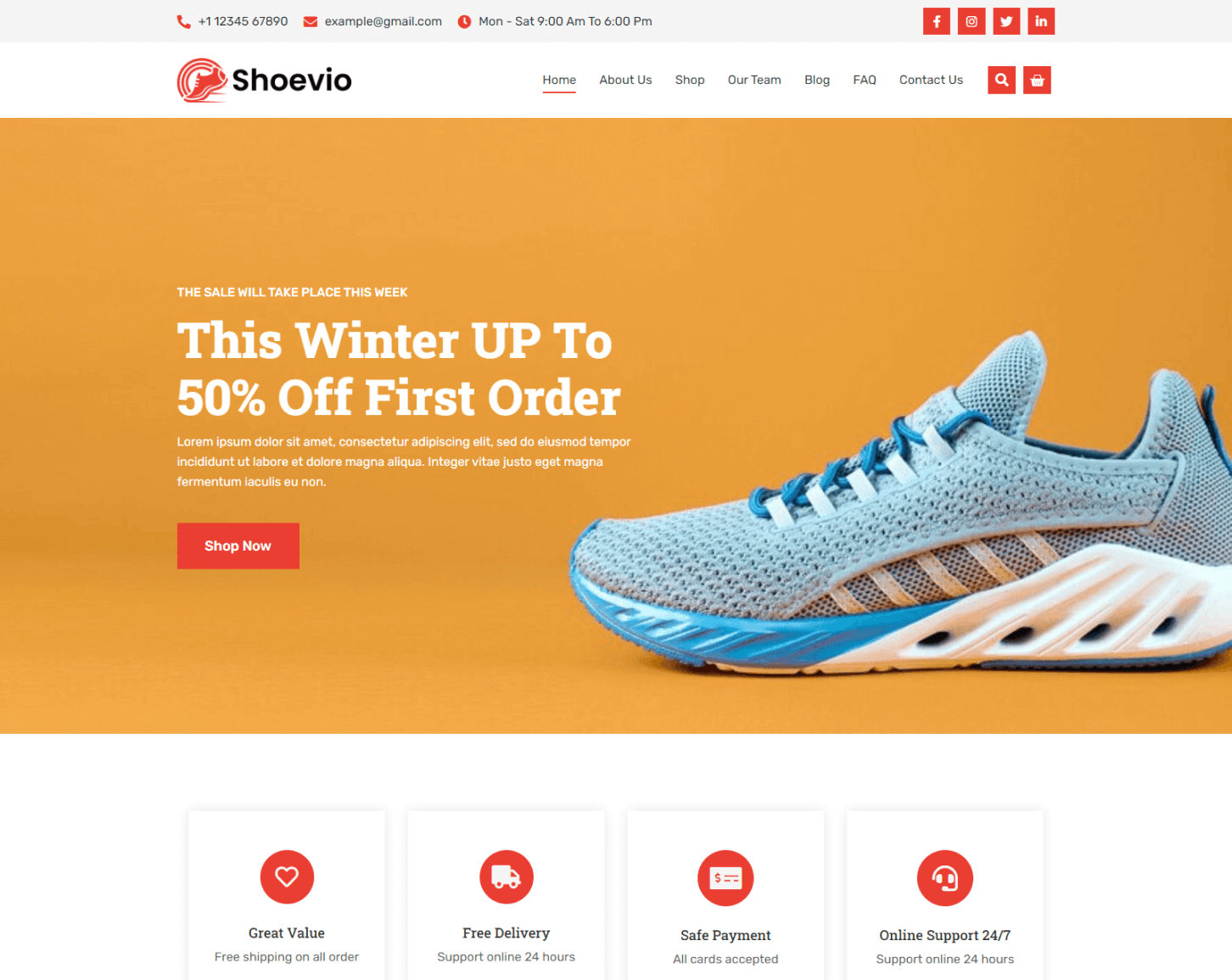
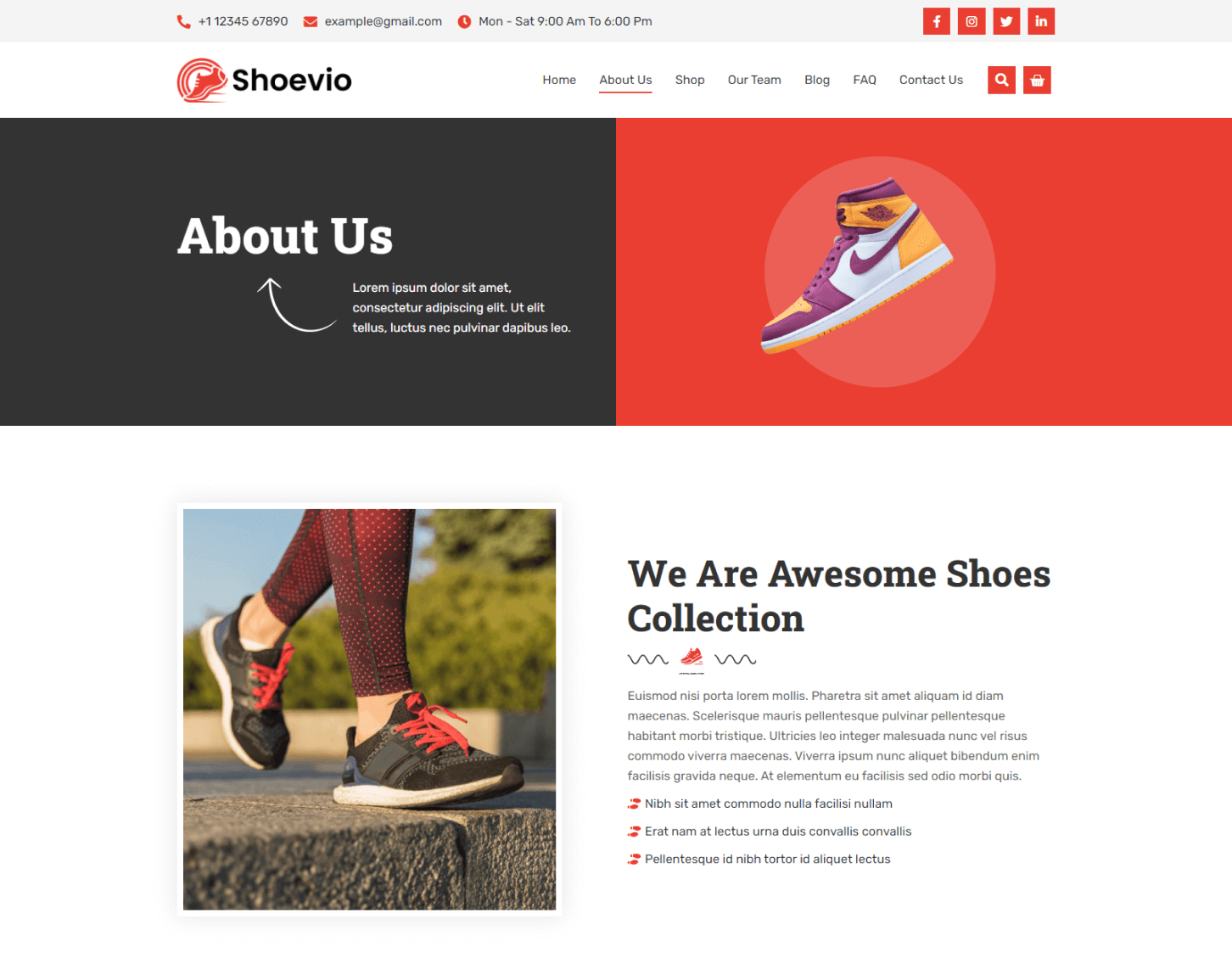

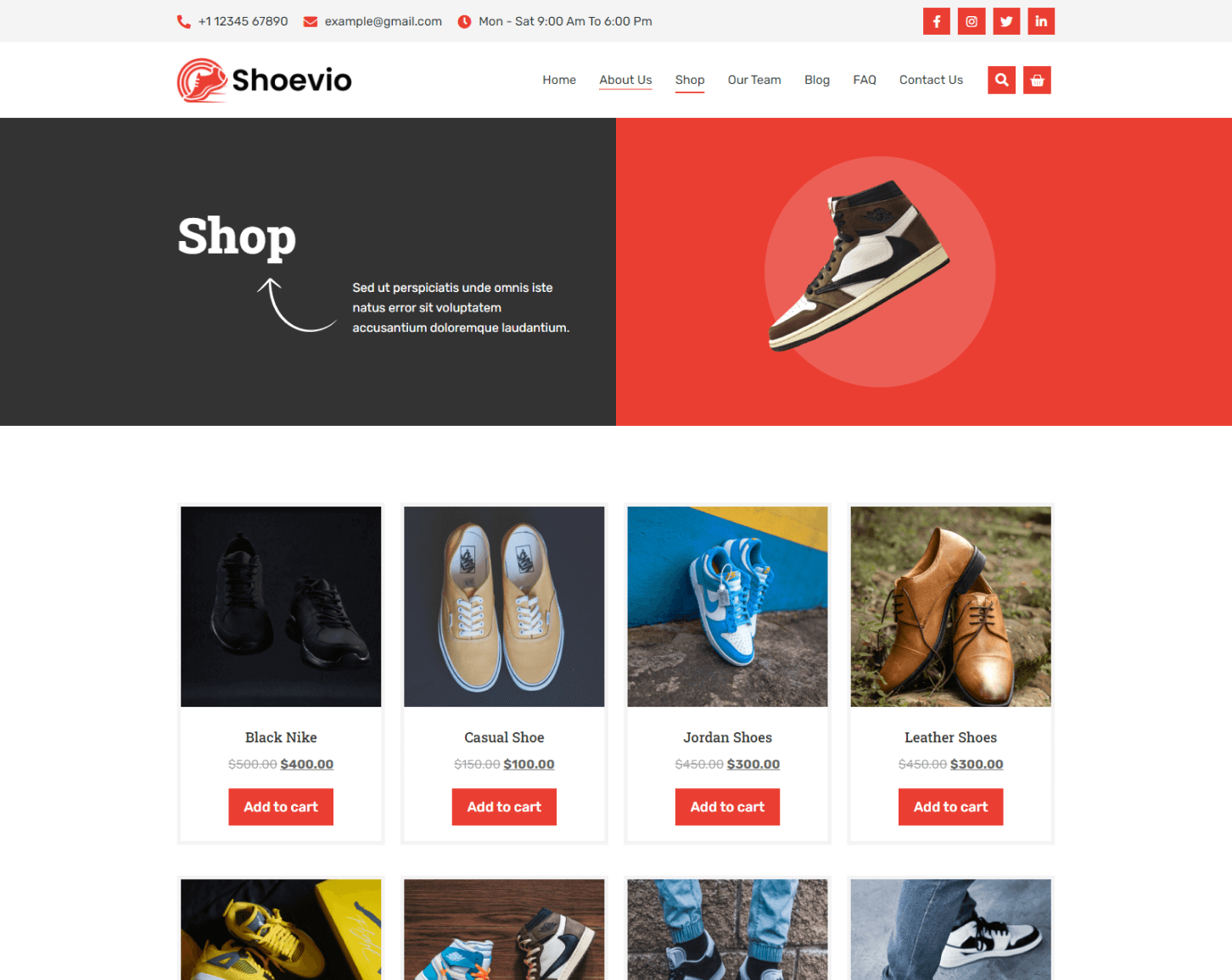
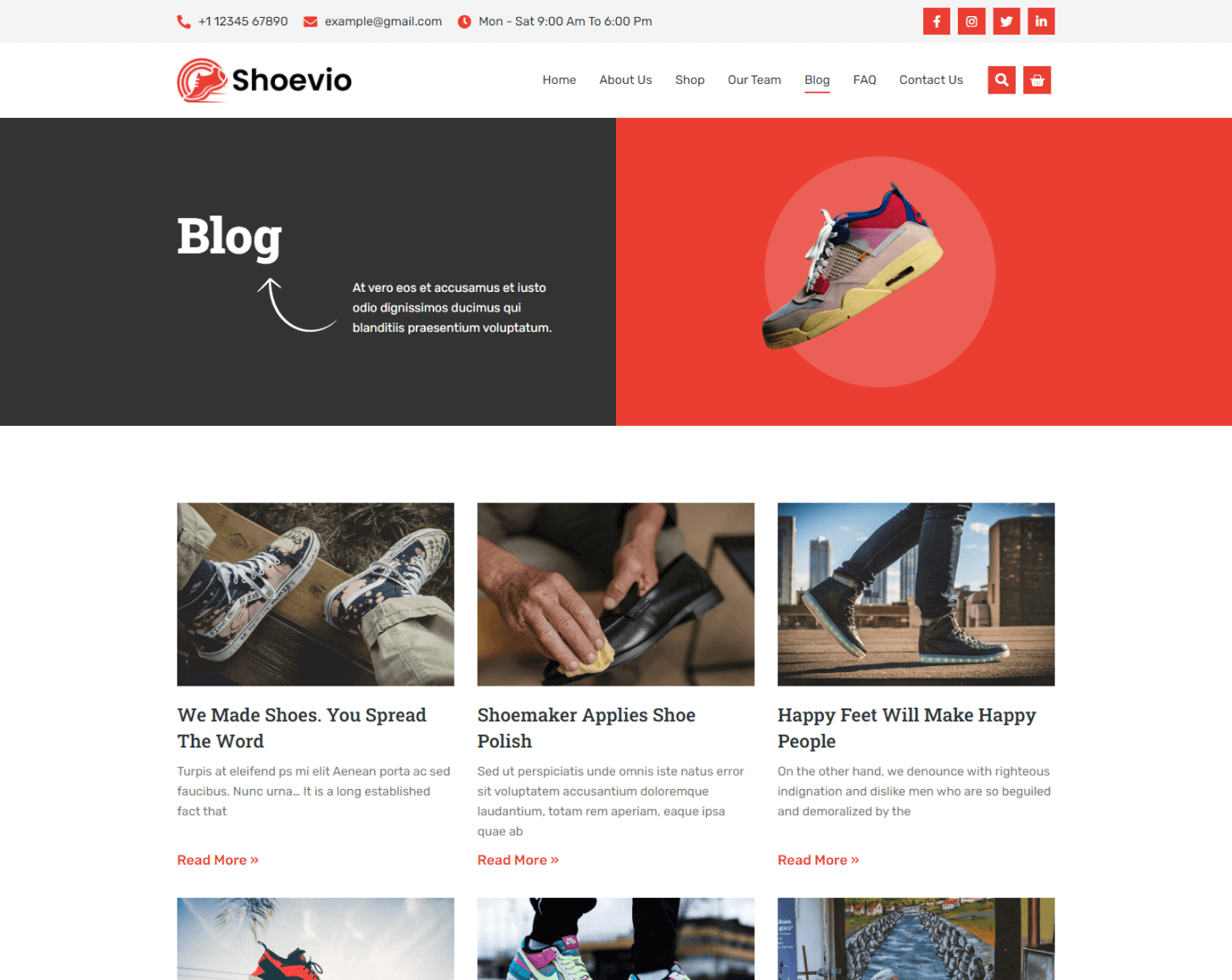
Image Licensing
All images, icons, and assets are included with the final downloadable zip file that you will receive on purchase. We highly recommend replacing it with your own assets or contents. If you choose to use our images, icons, and assets then first, please ensure they’re properly licensed.
By default, all our images are used with CC0 (Creative Commons Zero) License.
Required plugins
- Elementor (free)
- Elementor Pro (need a premium purchasable license)
Recommended Theme
- Hello Elementor (free)
- Child Theme for Hello Elementor (optional)
How to Import a Template Kit
- Download your main zip folder – unzip this primary folder and you will find folders for the following: Documentation, Media, and OneClickImport.
- For the main uploadable kit file, please go through the “OneClickImport” folder from the extracted folder – Do not unzip (the zip is titled “elementor-kit.zip“)
- Go to WordPress Dashboard – Elementor – Tools – Import / Export Kit
- Click Import a Template Kit
- Drag and drop the included site kit zip file to import
- Select the plugins you want to import (you will need an Elementor Pro license) – Click Next
- Select which parts you want to apply – for a full site import make sure everything is checked. Click Import