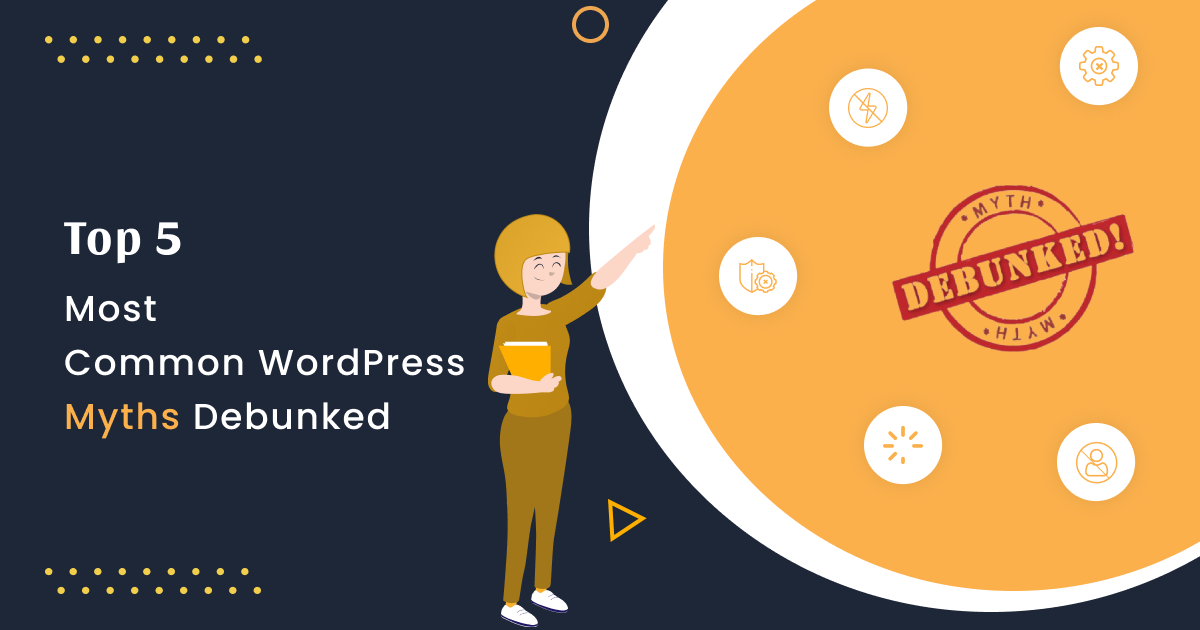
WordPress is the most well-known website builder in the world. On the internet, there is a lot of misinformation about WordPress. Some of the most common WordPress myths debunked and misunderstandings confuse users, leading them to choose the incorrect site. We’ll debunk the top WordPress myths in this blog with detailed descriptions so you can pick the right website platform for your needs.
1. One WordPress Requires One Database
Most of the beginner and some expert WordPress developers believe that each WordPress installation requires one database. But the reality is that with a single database, you can install any number of WordPress. It only until the database reaches its limit.
This can achieve this wonder by editing the database prefix in the wp-config.php file. You can also share tables with more than one WordPress. Like, you can share user access with more than one WordPress.
WordPress also has the advantage of multi-sites. As a result, you can build as many sites as you want under a single URL, each of which will work as a sub-site. It will use the same theme, plugins, and hosting account.
Each subsite will have its own admin, while the main site will have a super admin who will have access to all of them. A network administrator can also manage the network between sites. This WordPress feature is not only useful but also affordable and cost-effective. Creating multi-sites with a different CMS may be more difficult.
2. WordPress Does Not Support E-commerce
Another WordPress myth is that it does not come with a shopping cart feature. But, the truth is that many WordPress plugins add E-commerce functionality to WordPress. The most popular of them is WooCommerce. With just a few clicks, your WordPress website turns into a fully-functional e-commerce website.
3. WordPress Is Not Secure
Another common myth regarding WordPress is that it is insecure. One of the reasons for WordPress’s success is that it is extremely secure. It is very serious about safety. The following reasons are sufficient to prove that WordPress is completely secure.
Third-party Payment Gateways: WordPress contains many plugins that enable developers to integrate secure payment gateways such as PayPal.
Data Encryption: SSL certificates ensure the data is encrypted between your website and your customer’s browser.
Strong Password Generator: WordPress offers a strong password generator as well as a password validator. This generally requires your customers to create their own strong login credentials.
4. WordPress Doesn’t Come with Support
Another common myth would be that WordPress is unsafe, according to other popular software. The fact is that WordPress has a large community of designers, developers, translators, bloggers, and other experts who are willing to attempt lengths to provide the technical support required so that it doesn’t interfere with your ability to create and run a successful website.
5. It’s Only for Blogs
WordPress supports all types of websites. It can use it to create a small business website, an E-commerce website, a forum, or almost every other kind of website. After that, disable all blog-related features, such as displaying a post feed on your homepage and build your desired website. WordPress is best known for its blog-building features, but it’s also a versatile CMS that can use to create any website.
Conclusion
Using WordPress as a web development tool becomes simpler now that you have many facts and most common WordPress myths debunked. If you’re building a blogging site or want to develop an enterprise-grade business website, this is a CMS you can depend on because it comes with everything that you need to build a secure, scalable, and powerful business solution.